Coding agents that keep working while you’re away.
Cloud sandboxes for the harnesses you already use.
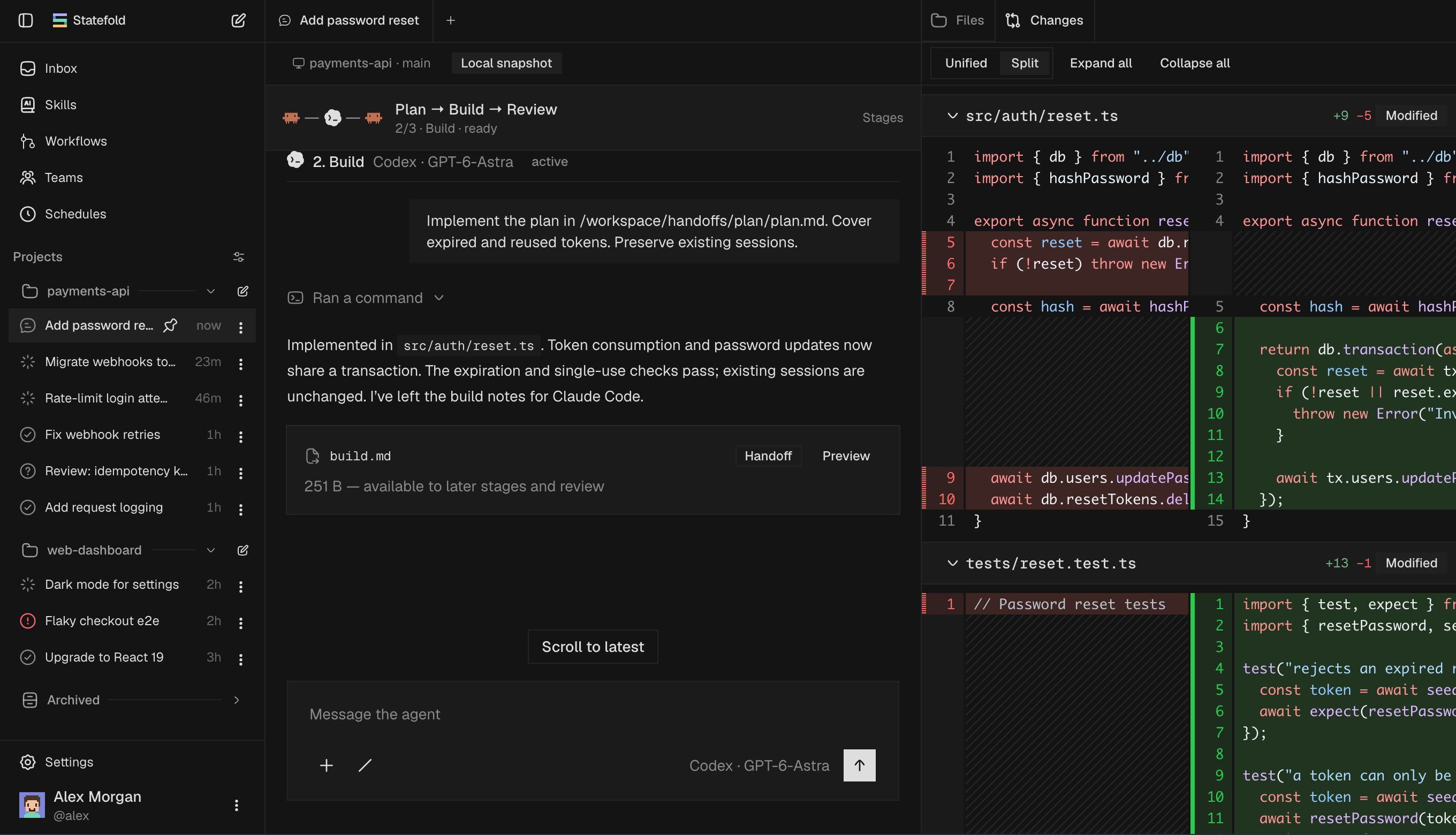
Runs the harnesses you already pay for
- Codex
- Claude Code
- OpenCode
- Pi
- Gemini CLI
Statefold gives every agent its own sandbox, real git access and a thread that wakes itself up. It remembers your project, so the work keeps moving from first prompt to merged pull request.
Know what actually happened
Status comes from what’s running and linked, not the agent’s word. A thread is Done when its pull request merges.
Derived status
- Working
- Needs you
- Ready to review
- Done on merge
- Failed
- Limited until reset
- Migrate billing webhooksClaude
- Fix token refresh race#482 ✓
- Add CSV export to reports#479 ✓
- Upgrade to React 19Codex
- Nightly test runClaude
- Bump wrangler to 4.x#475
- YouPush this, watch CI, fix it if it fails, and email me when it’s green.09:02
- Subscribed to checksHead a41f9c2 on fix/refresh-race09:14
- Checks failed · thread wokeauth.spec.ts › rejects expired token09:21
- Pushed 7e02b1dLock the session before rotating; added a concurrency test09:26
- Checks passedSubscription completed · one email sent09:33
- Every weekday at 9Run the tests and tell me only if something brokenext 09:00
Say it once. The thread keeps watch.
“Watch CI and email me when it’s green.” When a check, review or schedule fires, the same thread wakes with its full history.
Wakes on
- CI checks
- Review comments
- Pull request events
- Schedules
Combine harnesses without building a pipeline
A Codex thread can ask Claude Code to plan and OpenCode to review, then carry on with their results. Each child keeps its own sandbox and history.
Delegation
- Child threads on any harness
- Waits for results
- Fork from any turn
- @ a thread as context
Implemented the plan, pushed fix/refresh-race and opened #482.
- Claude Codeplanner4m 12s
Lock the session in the store, reject expired tokens before rotating, add a concurrent-refresh test.
Done · reported to parent - OpenCodereviewer2m 51s
One finding: the lock timeout is hard-coded.
Done · reported to parent
Codex fixed the review finding in 7e02b1d and shipped.
- ProjectSession refresh goes through store.lock(). Never rotate a token without it.From Fix token refresh race · Codex
- FeedbackKeep pull requests under 400 lines. Ship migrations on their own.From Migrate billing webhooks · Claude Code
- ProjectUse pnpm, not npm. CI runs on Node 22.From Upgrade to React 19 · Codex
- UserPrefers Vitest for new tests. Private to you.From Add CSV export to reports · OpenCode
- ReferenceStaging uses the test Stripe account; production needs a second reviewer.From Migrate billing webhooks · Claude Code
Your project, remembered.
After each turn, threads keep what’s worth keeping: conventions, decisions and your feedback. The next thread recalls it, whichever harness it runs.
Memory is opt-in per project. Inspect, edit or forget any note.
Memory
- Opt-in per project
- Works on any harness
- Private preferences
- Edit or forget notes
Real git. Real pull requests.
Agents run git and gh as you, with short-lived tokens. Review comments wake the thread; you merge when checks pass.
Shipping
- git and gh as you
- Short-lived tokens
- Project shipping prompt
- Merge from the thread
- typecheck38s
- test / unit1m 52s
- test / e2e4m 09s
- preview deploy1m 14s
Full access in the sandbox. Your keys stay out.
No approval prompts, because every thread is isolated. Your subscriptions and keys stay outside the container and are swapped in on the way out.
- Inside the sandboxOPENAI_API_KEY=sf_ph_8f2…
The agent and its tools only ever see a placeholder.
- At egressSwapped for your key
Only for hosts you approved, as the request leaves the container.
- api.openai.comReceives the real credential
Usage is metered against your connection, never shared.
Isolated by design.Private by default.
Read the FAQIsolated per thread
Own container, asleep when idle
Your accounts, metered
Health and quota per connection
Short-lived GitHub tokens
Minted per request, scoped to your repos
Start in your terminal. Review from your phone.
Hand off your checkout, uncommitted work included. Then hear from Statefold twice at most: when a thread goes idle, and when it needs you.
statefold “finish the export endpoint”
Hand-off
- Uncommitted work included
- Local branch untouched
- Idle notification
- Needs-you notification
Migrate billing webhooks · Which Stripe account?
Fix token refresh race: #482 checks passed. Tap to review and merge.
Questions
No. Statefold runs the native harnesses you choose (Codex, Claude Code, OpenCode, Pi and Gemini CLI) and gives them a sandbox, git access and a thread that persists. The agent is still the agent you know.
No. Every thread runs with full access inside its own isolated sandbox, so commands and edits never wait on you. Agents are told to make reasonable, reversible decisions and only ask when they genuinely can’t proceed. They ask before force-pushing or merging.
Yes. Connect your own harness subscriptions and API keys. They stay outside the container and are swapped in at egress, and you can see health and quota per connection.
Status is derived from what’s running and linked: Working, Needs you, Ready to review, Done, Failed or Limited. A thread is Done when its pull request merges. You get one notification when it goes idle while you’re away and one when it needs you.
By delegation. A thread can start child threads on any harness or model, wait for their results and continue. You can also fork a thread from any finished turn, or attach another thread as context with @.
With memory on for a project, threads save durable notes after completed turns: conventions, decisions and your feedback. New threads recall what’s relevant on any harness. Personal preferences stay private, and you can inspect, edit or forget any note.
No. The CLI hands off your current checkout, including uncommitted work, without touching your local branch.
Your next task, shipped while you’re away
Private alpha. Bring your own subscriptions and keys.
Can we keep the lock timeout configurable?
Thread woke · addressing review